What Every Lash Artist, Nail Tech, and Hair Stylist Needs on Their Website to Book More Clients
Your chair is full on Saturday. Your Instagram is getting saves. People are sending you DMs asking about pricing. But your website is sitting there doing nothing. That is not a branding problem. That is a website problem. And it is more common in the beauty industry than anywhere else. Here is what needs to change.
1. A Booking Link That Is Impossible to Miss
This sounds obvious. It is not practiced enough. Most beauty service websites bury the booking button at the bottom of the page, hide it in the navigation, or worse, do not have one at all and rely on a DM to close every client.
Your booking link needs to be above the fold. That means visible before anyone scrolls. On mobile too, because that is where most of your traffic is coming from.
One clear button. One clear action. Book Now, Book Your Appointment, Schedule Your Session. Pick one and make it easy to find.
2. A Services Page That Answers Every Question Before They Ask
The number one reason a potential client does not book is uncertainty. They do not know what is included. They do not know how long the appointment is. They do not know if they are a good candidate for the service.
Your services page should answer all of that without them having to send a message. List each service with a name, a short description, the duration, and a starting price. You do not have to give an exact number. Starting at works. What does not work is no number at all.
When someone has to ask for pricing, most of them just leave.
3. Photos That Look Like Your Work, Not Stock Images
If the first image a visitor sees on your website is a generic beauty photo that could belong to anyone, you have already lost them. Clients are not booking a service. They are booking you. Your hands. Your eye. Your style.
Real photos of real work convert better than anything else on a beauty website. Even if the lighting is not perfect. Even if it is shot on a phone. Authenticity reads, and clients can tell the difference.
4. A Short Bio That Builds Trust Fast
You do not need a full life story. You need three to four sentences that tell a visitor who you are, how long you have been doing this, and why it matters to them.
People want to know the person behind the service before they sit in your chair. A warm, direct bio does that work faster than any badge or credential.
5. A Way to Capture Clients Who Are Not Ready to Book Yet
Not everyone who lands on your site is ready to book that day. Some people are comparing options. Some are saving for later. Some just found you and need a little more time.
If your website has no way to stay in touch with those visitors, they leave and they do not come back. An email signup, a freebie like a care guide, or even a simple "join the waitlist" option gives you a way to keep that relationship going until they are ready.
6. A Mobile Experience That Actually Works
Over 70 percent of website visitors in the beauty industry are on their phones. If your site loads slowly, has text that is too small to read, or has buttons that are hard to tap, you are losing those clients before they ever see your work.
Pull up your website on your own phone right now. If anything feels frustrating, it is costing you bookings.
The Bottom Line
A high-converting website for a beauty service business is not complicated. It is clear, it is fast, it is personal, and it makes it easy for someone to go from curious to booked without needing to send a single DM.
If your site is missing any of these six things, that is where to start.
Ready to Fix It?
AYANNA DESIGN STUDIO
At Ayanna Design Studio, I specialize in building websites for service-based businesses that do the work even when you are not online. If you are a lash artist, nail tech, or hair stylist ready for a site that actually books clients, let's talk.
5 Squarespace Service Page Trends That Are Defining 2026
It All Begins Here
Service pages are getting a quiet rework this year. The long, scrolling list of offerings is starting to feel dated. The cluttered grid of cards is starting to feel loud. What is replacing them is calmer, more interactive, and more intentional.
Whether you are a Squarespace designer building for clients or a service business owner refreshing your own site, here are the five trends shaping how service pages are being designed in 2026.
1. Editorial Layouts Over Card Grids
The card grid has been the default for years. Six tiles in a row. A small icon. A title. A short description. It works, but it makes every offering feel the same.
Editorial layouts are taking over. Think bold typographic headers, asymmetric sections, services broken into chapters rather than columns. The page feels like something worth reading, not just scanning.
This shift matters because service businesses are selling trust before they sell a package. An editorial layout communicates thought and intention before a visitor reads a single word.
2. Interactive Service Stacks
Static sections are being replaced by expandable, interactive components. Instead of displaying every service detail at once, designers are building stacked layouts where one service is active and expanded at a time while the rest peek from behind it.
The UX principle here is focus. When everything is visible, nothing stands out. When a visitor selects a service and it opens to reveal the detail, the experience feels personalized, not overwhelming.
This is one of the more technically involved trends on this list, but the payoff is significant. Visitors stay on the page longer and absorb more information because the layout guides them rather than dumping everything at once.
If you want to add this kind of interaction to your Squarespace service page without building it from scratch, I have a ready-to-use interactive service stack snippet available. Drop it into your site and customize it to your brand in minutes. More on that at the end of this post.
3. Micro-Animations That Communicate Value
Subtle motion is back, and it is doing real work this year. Not the full-screen parallax effects or aggressive hover animations of a few years ago. We are talking about small, purposeful transitions.
A service card that lifts slightly on hover. A heading that fades in as the user scrolls to it. A border that draws itself around a selected option. These micro-animations make a page feel alive without being distracting.
On Squarespace, this is achievable through scoped CSS and lightweight JavaScript. The key is intention. Every animation should have a reason: guiding attention, confirming a selection, or rewarding a scroll.
4. Warm Neutrals and Ink-Based Typography
The cold, clinical white and sans-serif combination that dominated service pages for years is being replaced by something warmer. Cream backgrounds, off-white sections, and antique tones. Typography that feels like it was set with care, not auto-generated.
This is partly a reaction to how saturated the digital space has become. Visitors are numb to the polished tech aesthetic. Warmth signals humanity. It communicates that there is a real person behind the work.
For service businesses especially, this shift is powerful. You are not selling a software product. You are selling a relationship. Your service page should feel like it.
5. Frictionless Next Steps
The hardest-working trend on this list is also the least flashy. The best service pages in 2026 have removed every possible barrier between interest and action.
No "submit inquiry and wait for a response" forms buried at the bottom. No pricing that requires a phone call to unlock. No three-click navigation to find the contact page.
What is replacing this is direct scheduling links, visible starting price ranges, and clear one-line explanations of what happens after someone reaches out. Visitors want to know the process before they commit, and the pages that show it clearly are converting at a higher rate.
Ready to Update Your Service Page?
If you are working on a Squarespace service page and want to add an interactive stack layout without writing the code yourself, I built a custom snippet for exactly this. It is designed for Squarespace 7.1, easy to customize, and includes setup instructions.
https://www.ayannadesignstudio.com/store
Questions about how any of this works on your specific site? You can reach me here or send a DM on Instagram.
AYANNA DESIGN STUDIO
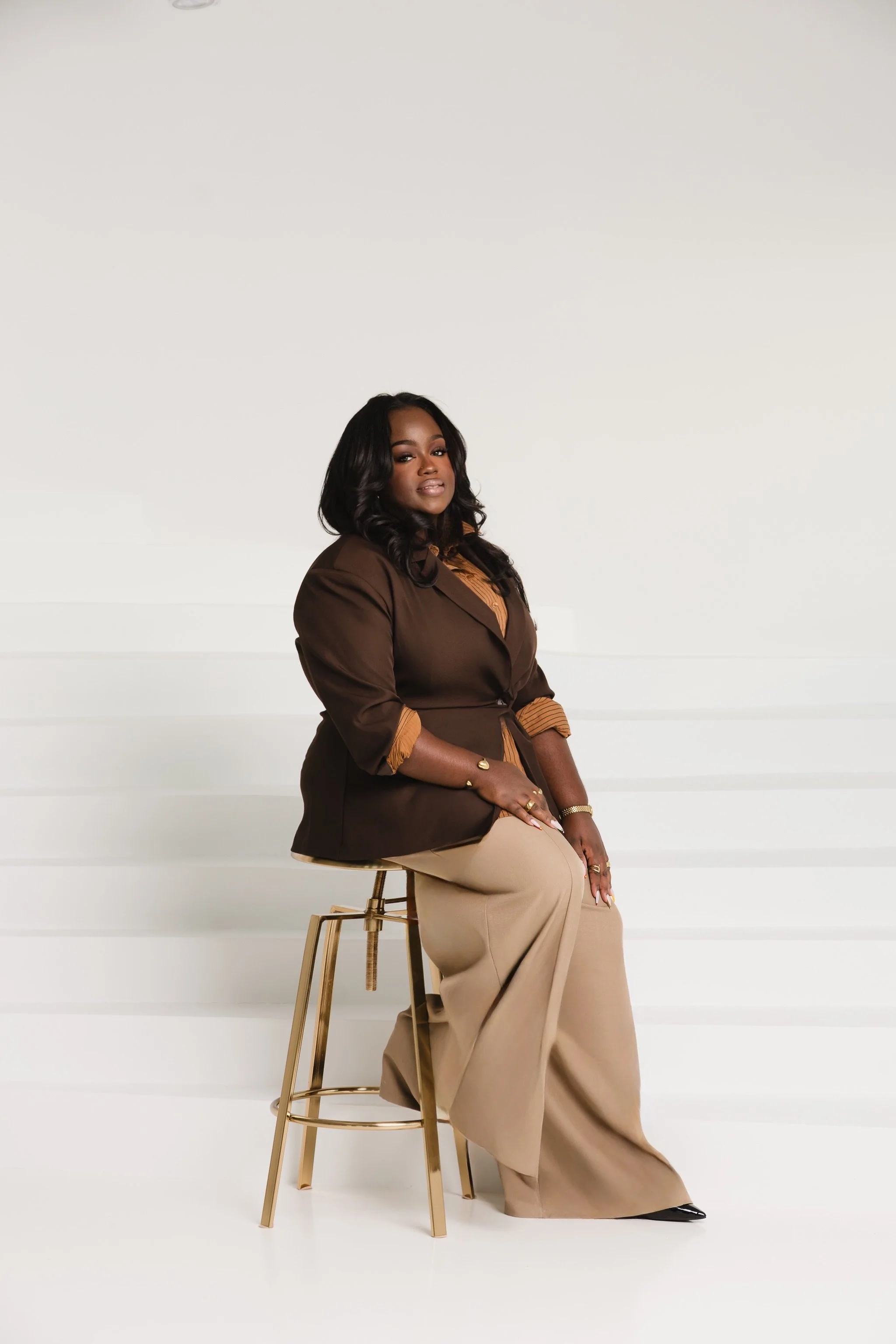
Ayanna Poole is the founder of Ayanna Design Studio, a web design and brand communication studio for small businesses and creatives. She specializes in Squarespace design, custom code, and brand-aligned digital experiences.